
On this page
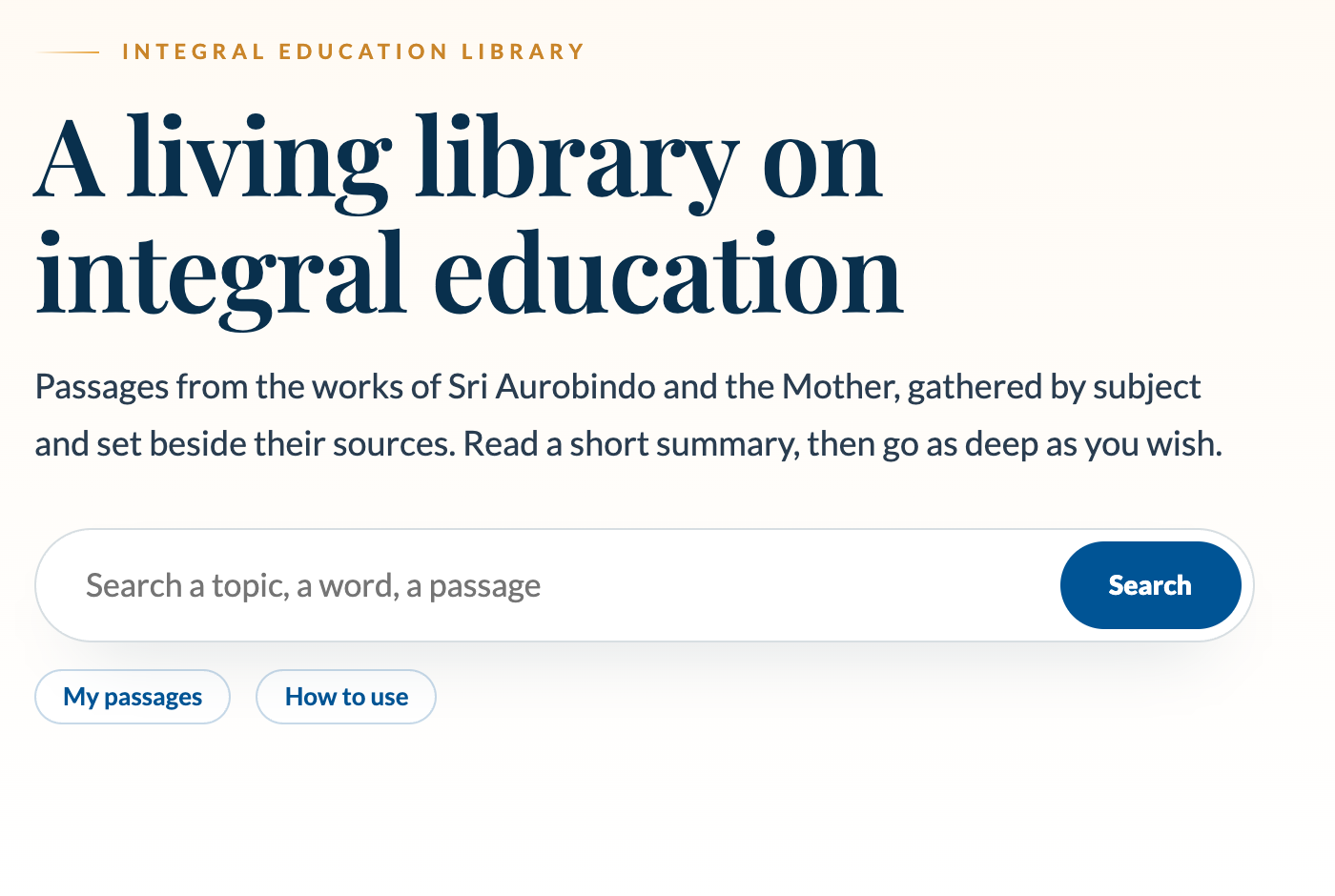
The Integral Education Library gathers what Sri Aurobindo and the Mother have said on a subject, each passage beside its source. Beside the passages, Practices offers a series for every topic, so reading and practice live in one place. This page shows what you can do with both. Everything works without an account.
Find a subject
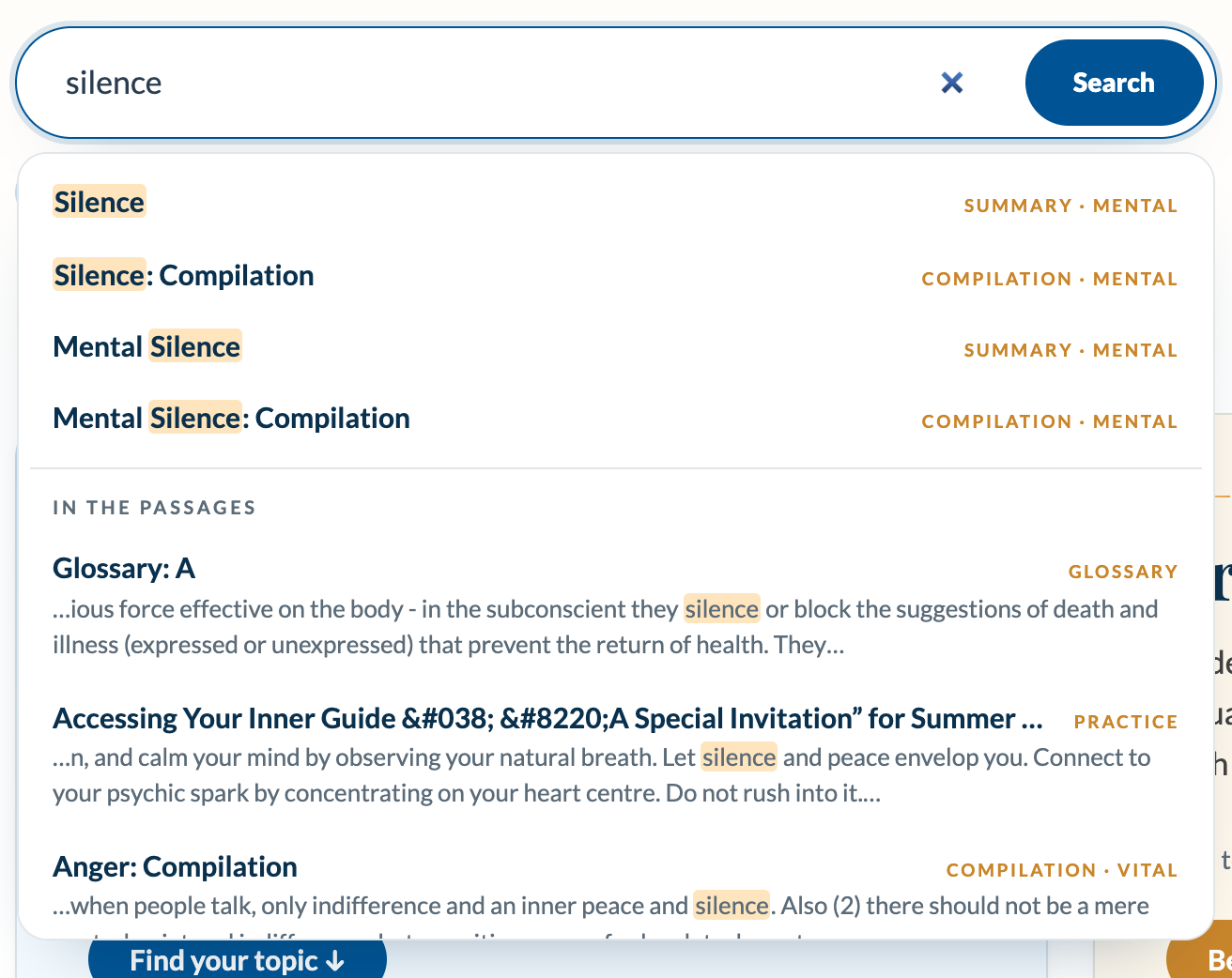
Type a word in the search box on the home page. Suggestions appear as you type: pages whose title matches first, then passages that mention the word, with your word highlighted. Press Enter, or choose a suggestion. You can also browse the five parts of the being (physical, vital, mental, psychic, spiritual) or Every topic, A to Z, the list of every topic.
Read a summary, then go deeper
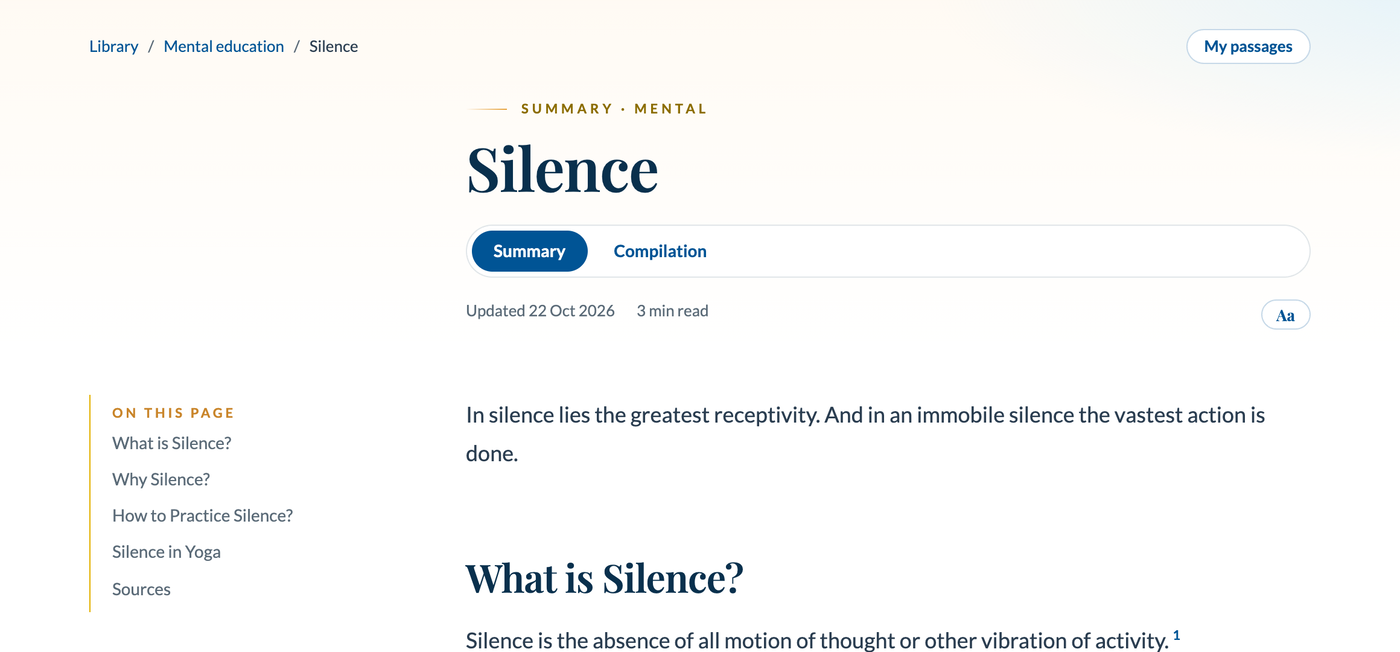
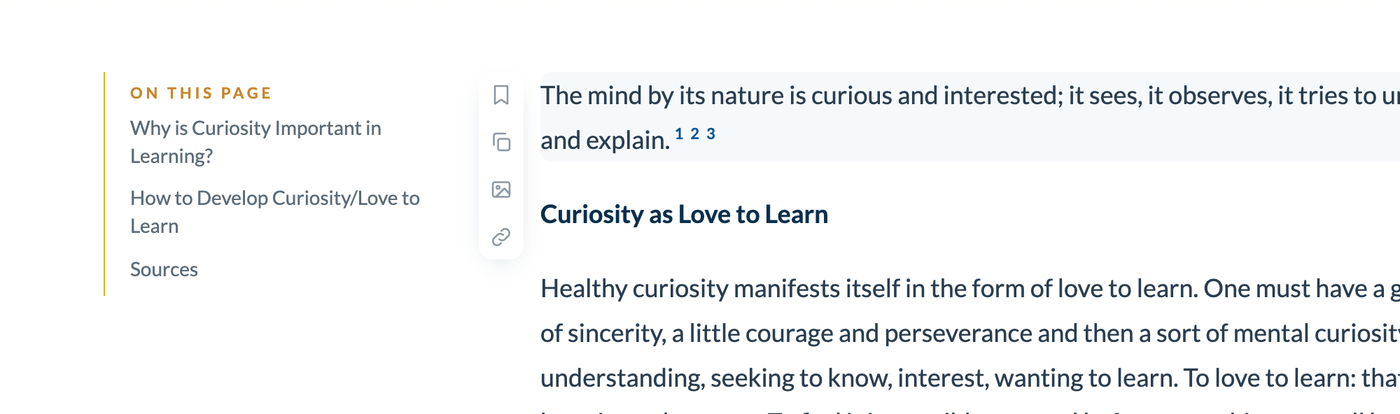
Each topic has a short Summary (what it is, why it matters, how to grow it) and a Compilation with every passage the curators found. Switch between them under the title. Some topics also have Activities used in Auroville’s schools. On a long page, On this page lists the sections and follows you down. Small numbers in a summary are its sources: click one to read the passage in place (see Open any source below).
Put it into practice
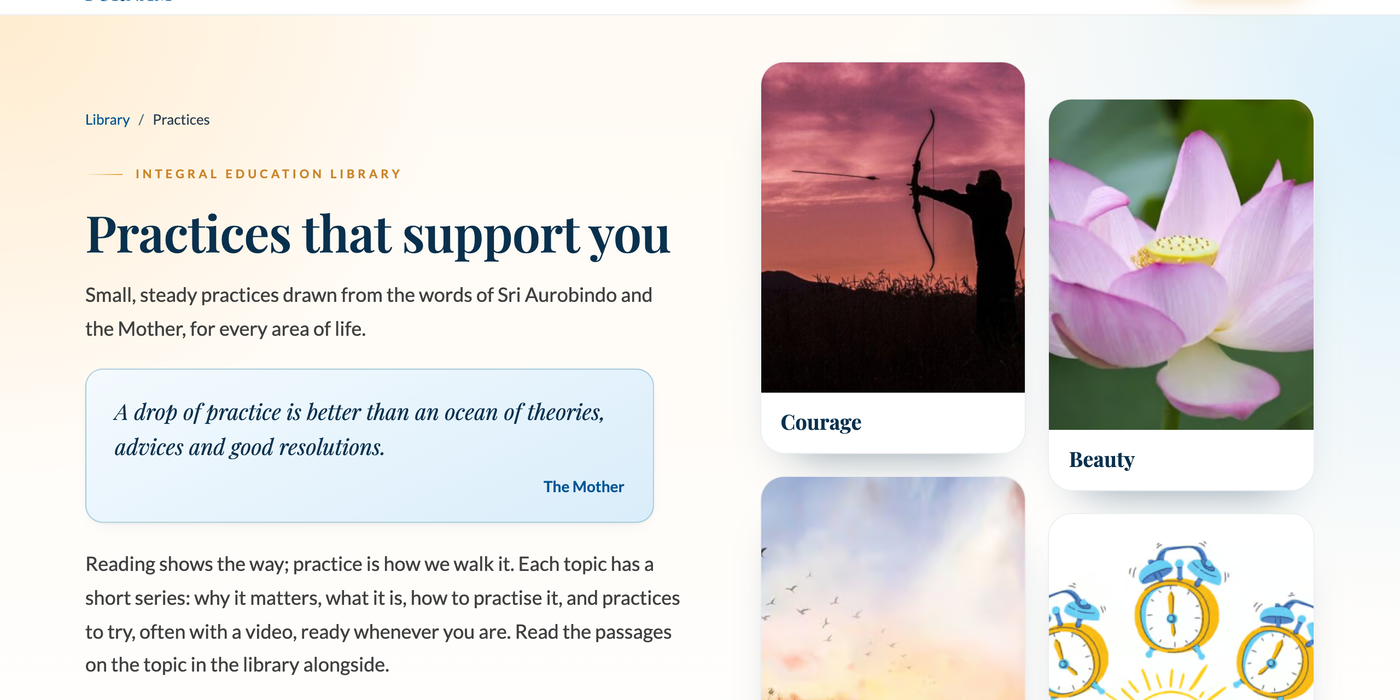
Practices holds a series for every topic: twelve topics, over a hundred short posts, many with a video. Each topic’s series goes in a natural order: why it matters, experiencing it, what it is, associations and stages, how to practise it, and practices to try. It is all there to use as you like, in any order and at your own pace. A topic’s page lists its posts, each marked with its stage, and every post has Previous and Next links. On a topic’s summary, the Practise this box leads straight to its series, and from a practice post a link takes you back to the passages in the library.
The Practices home also keeps How the practices began: the launch note of the Integral Education Portal in 2020, its first birthday note of 2021 and the inspiration behind it.
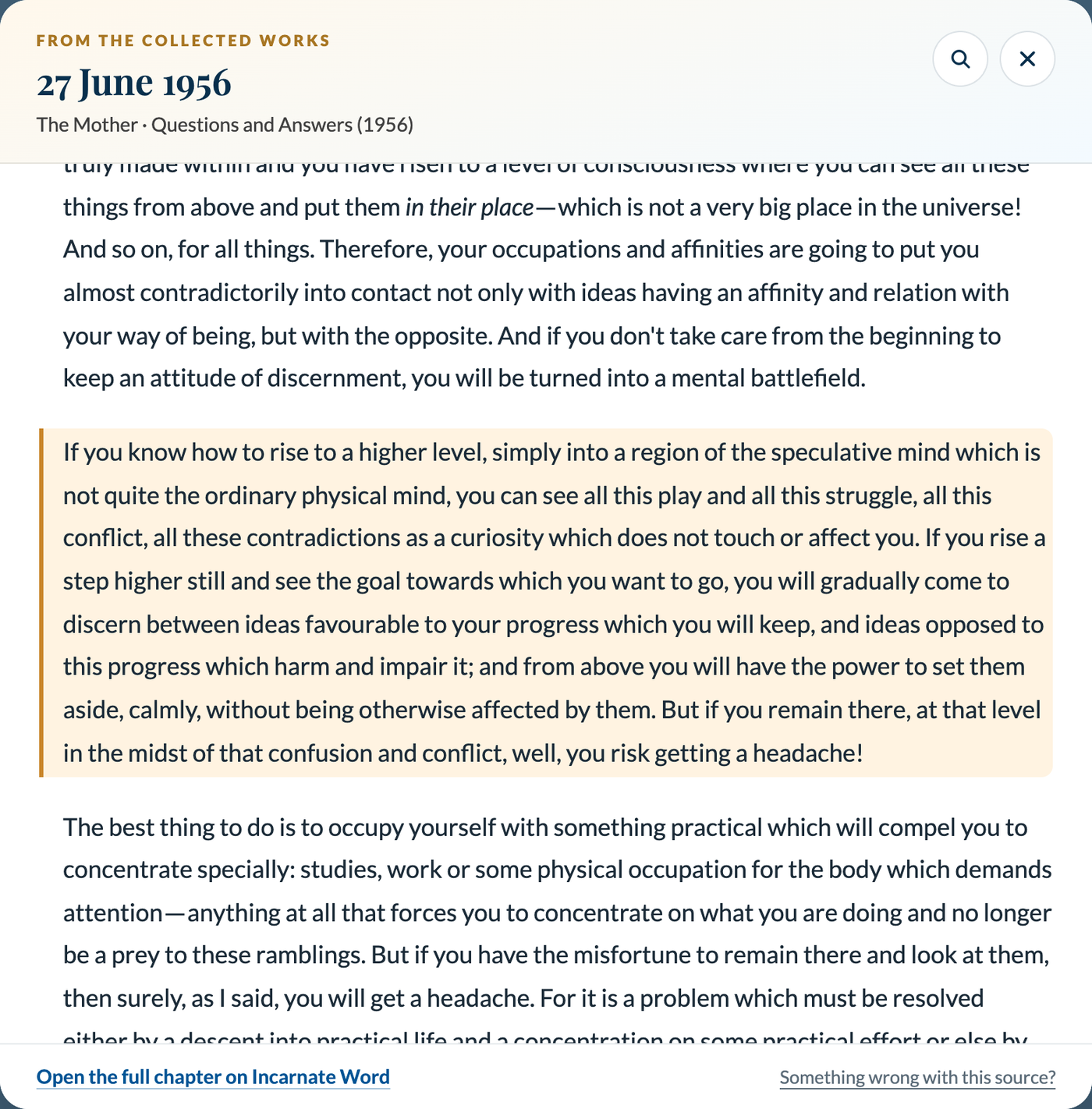
Open any source and read it in place
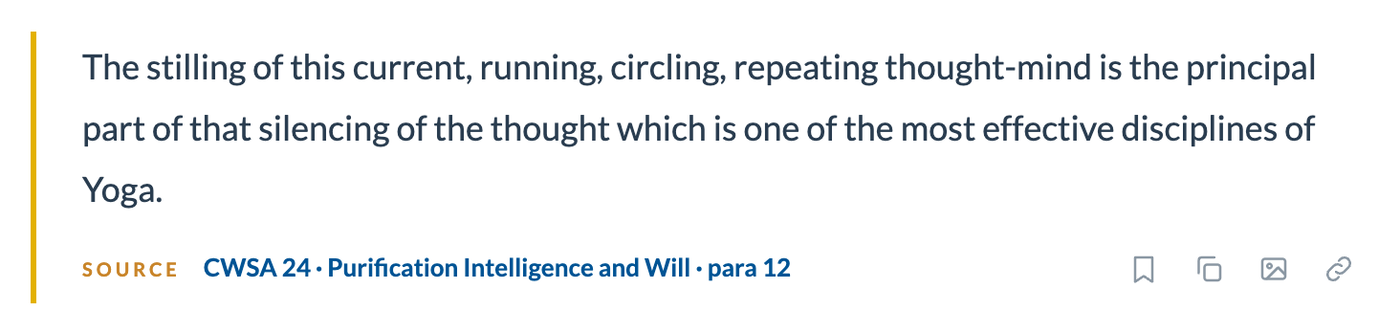
Every quotation shows where it comes from, for example CWM 12 · Arts · para 2, and a summary’s small numbers lead to its list of sources. Click a source, or a number, and a reading window opens right there with the exact paragraph from the Collected Works, highlighted, and the text around it. The page behind it does not move.
- Read around it. Scroll the window to read before and after, and use Show the text before or after to bring in more.
- Find a word. Use the magnifier in the window, or press Ctrl or Cmd and F while it is open. The search stays inside the window.
- Close it with the X, the Esc key or a click outside it. Open the full chapter on Incarnate Word, at the foot, takes you to the whole text. Ctrl or Cmd with a click opens Incarnate Word in a new tab instead.
- A quick look. Rest your pointer on a source number to see its source in a small box without opening anything. Show in the list of sources there takes you to the list.
- Back to the passage. In the list of sources, the ↩ beside a source takes you back to the passage it supports and highlights it. After a long jump, a Back to where you were button appears.
- If a text does not load, press Try again, or open it on Incarnate Word.
Save, copy and share a passage
Move your pointer over a passage and four small icons appear beside it: save it to your list, copy it with its source, make an image to share (a 1080 by 1350 picture for WhatsApp or Instagram), or copy a link that opens the page at exactly that passage. On a phone, tap the passage if you do not see them.
Make it comfortable to read
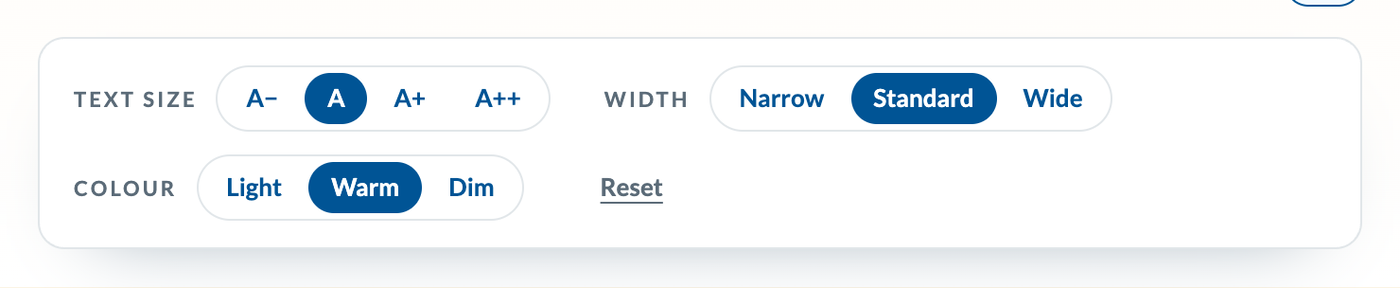
The Aa button at the top of a page changes the text size, the width of the column and the colour (light, warm or dim). Your choice is remembered. A thin gold line under the header shows how far through the page you are, with the time left, and when you come back to a long page the library offers to continue where you stopped.
Keep what moves you
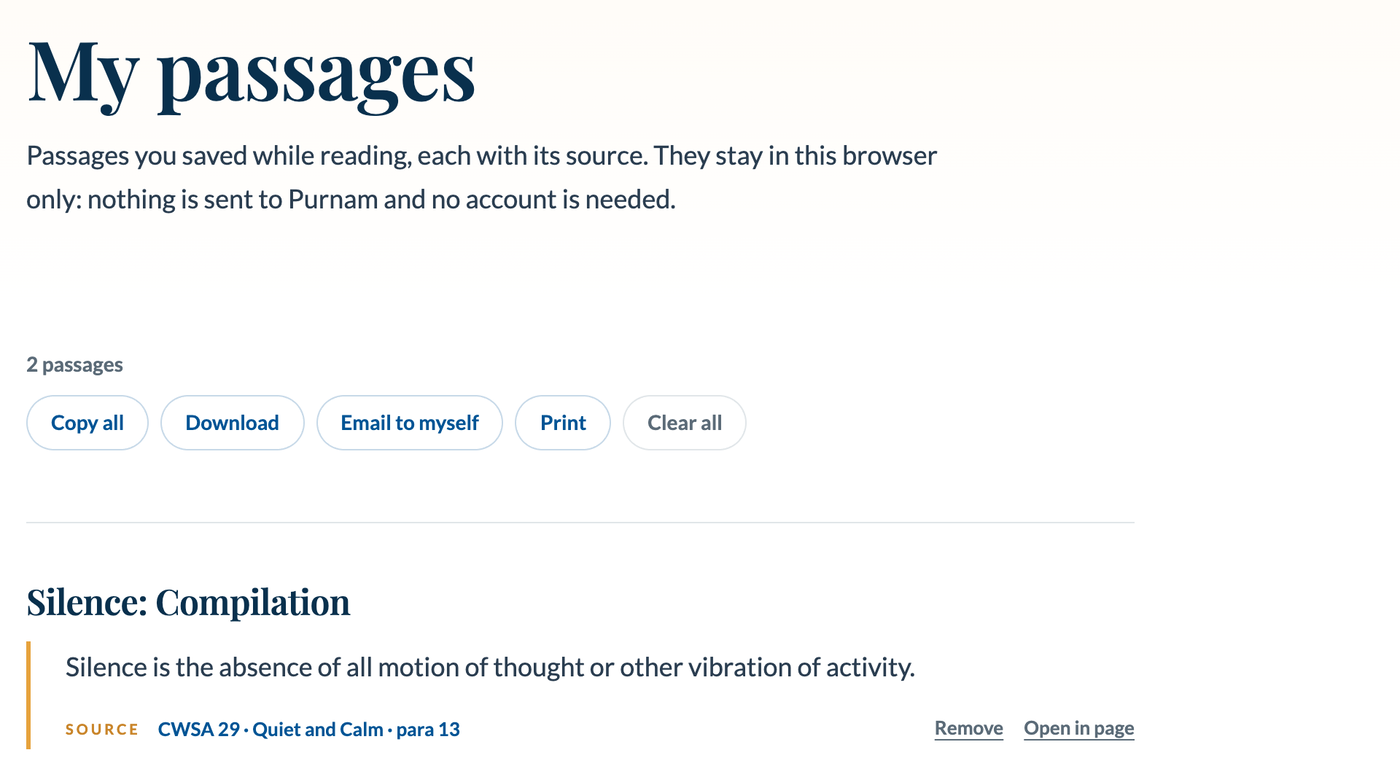
Passages you save appear in My passages, grouped by page and each with its source. You can copy them all, download them as a text file, email the list to yourself or print it. The list lives only in your own browser: nothing is sent to us, so clearing your browser data or switching device starts a new list. Email or download a copy if you want to keep it.
A passage a day
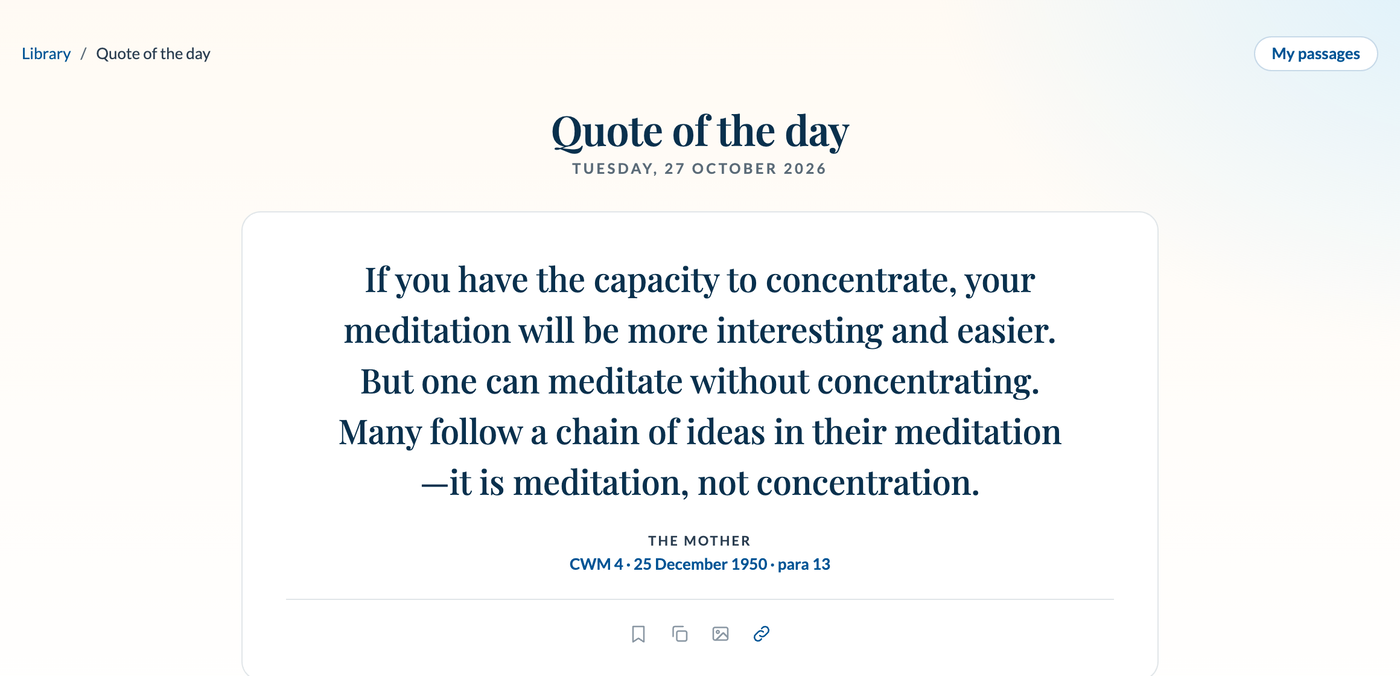
The home page shows a Quote of the day, a different one each day, drawn from the compilations. Open it to read it larger, see the six before it, save it or make an image of it, and go to the compilation it comes from.
Longer readings
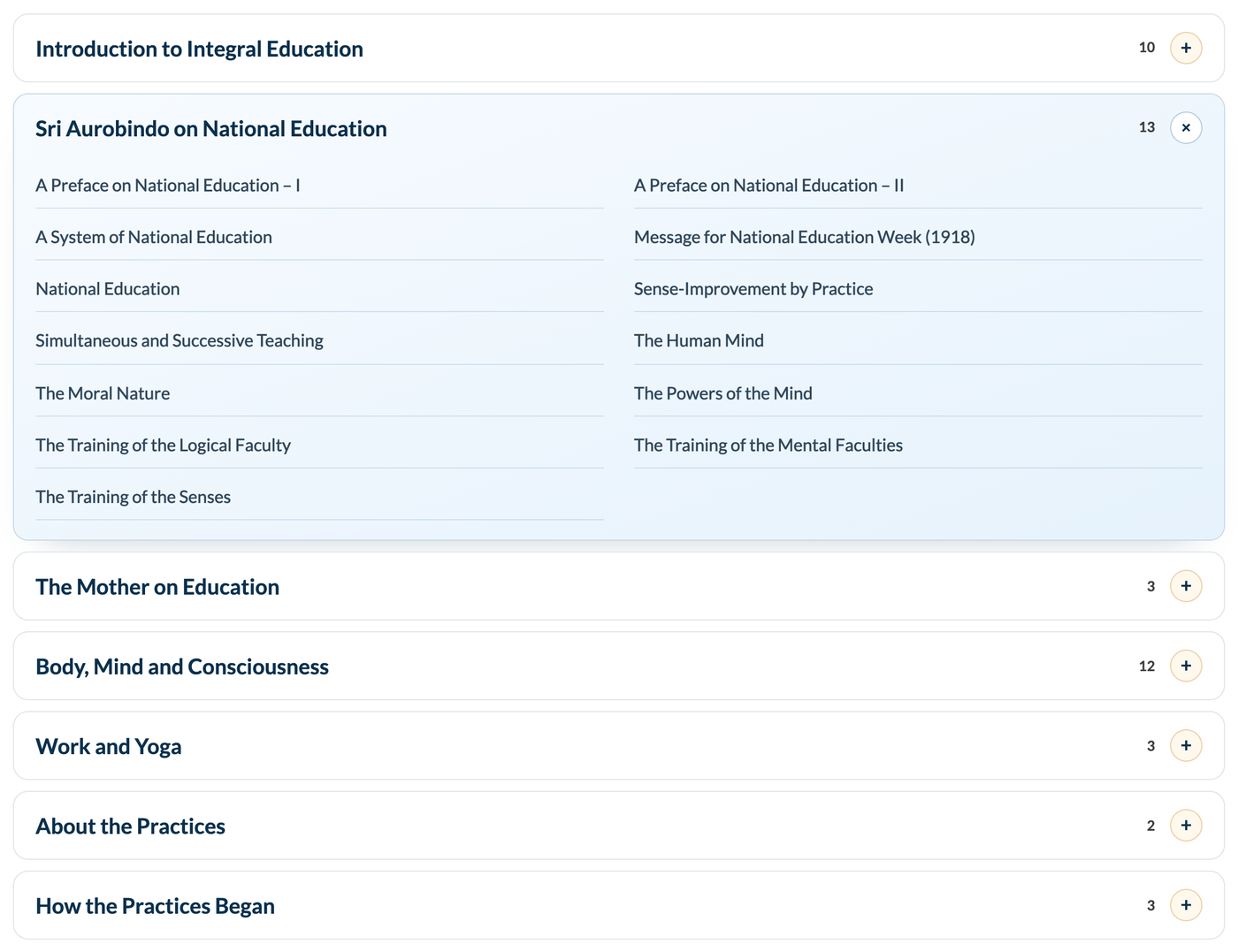
Essays and talks that are not about one topic sit in the Reading room near the foot of the home page, in seven groups: introduction to integral education, Sri Aurobindo on national education, the Mother on education, body, mind and consciousness, work and yoga, about the practices, and how the practices began. Open a group to see its readings.
Good to know
- Colours. The five parts of the being keep the colours Sri Aurobindo and the Mother give them: red for the physical, purple for the vital, yellow for the mind, pink for the psychic, blue for the spiritual. Read about colours.
- Terms. The glossary explains the Sanskrit and yogic words, A to Z.
- Sources. The texts come from the Collected Works on incarnateword.in, which the reading window shows and credits. If a source points to the wrong paragraph, tell us and we will fix it.
- Old addresses. The old IE Wiki and IE Portal addresses (iewiki.purnamcommunity.in and ie.purnamcommunity.in) take you to the matching page here.
- Contributing. The library is curated by volunteers of the Purnam community. How it is made.